Syndigo · B2B SaaS
Turning a fragmented design system into one library connected to code
Syndigo's product teams were working from a fragmented enterprise design system. We consolidated 70+ components into one governed library, connected design to production code, and set up the workflow around the UI Relay Figma plugin.
- Client
- Syndigo
- Sector
- B2B SaaS
- Our work
- Design systems
01
Project overview
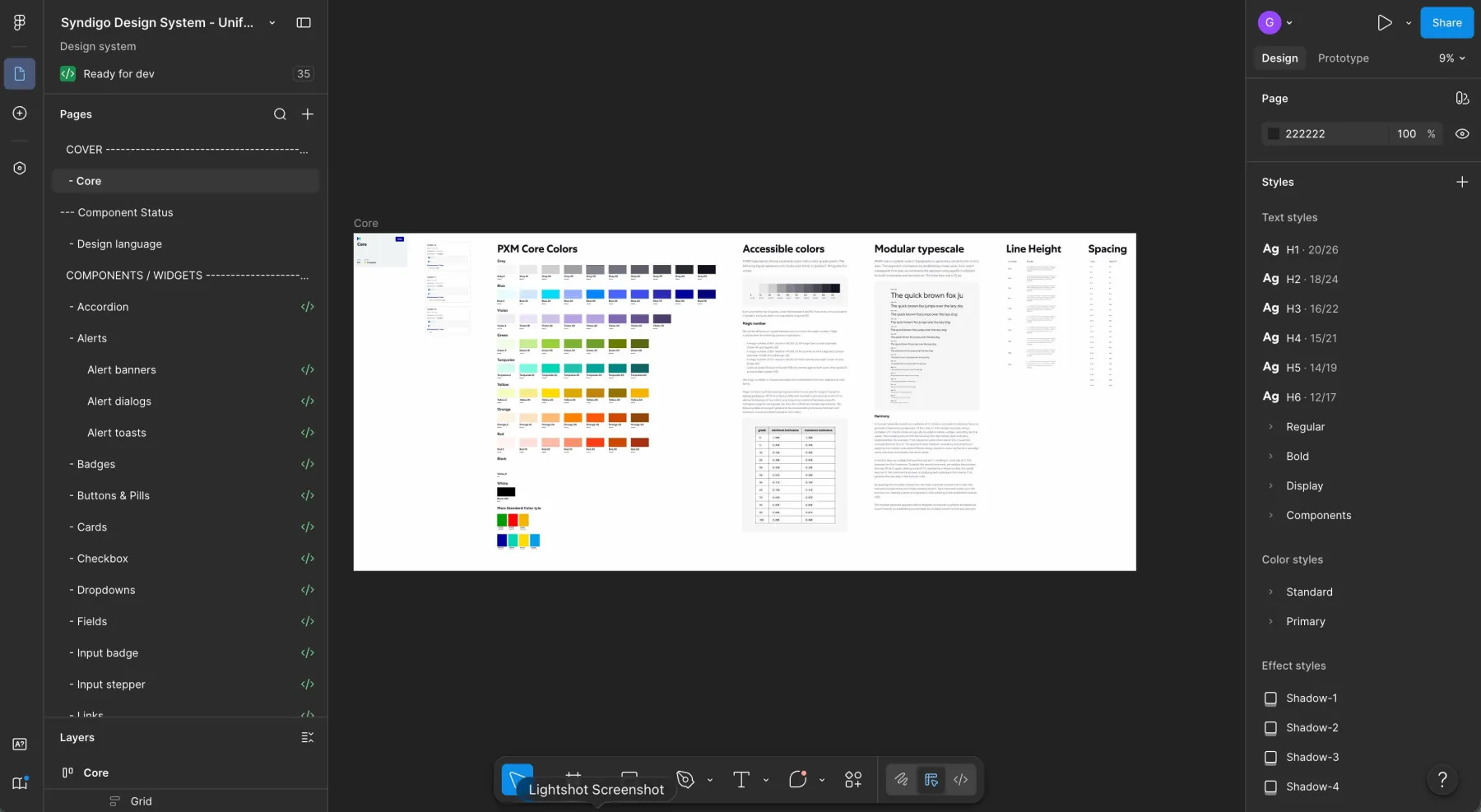
Solution: A single code-connected design system across Syndigo’s product suite. It replaced the duplicated component libraries and linked the approved components to Storybook, GitHub, and the company’s AI prototyping tools.
Objective: Give designers, frontend engineers, and product managers the same components to work from, so there was less drift between Figma and production and the accessibility requirements stayed visible. Our role covered three areas:
Leading product design for core products, including the Nutrition Analysis platform and Syndication Tracker, and supervising the designer who worked with us.
Rebuilding a fragmented design system as one governed library connected to production code.
Partnering with the VP of Design, the Director of Design, and frontend engineering on design-system governance and delivery.
02
Design process
The audit told us what needed to change and in what order.
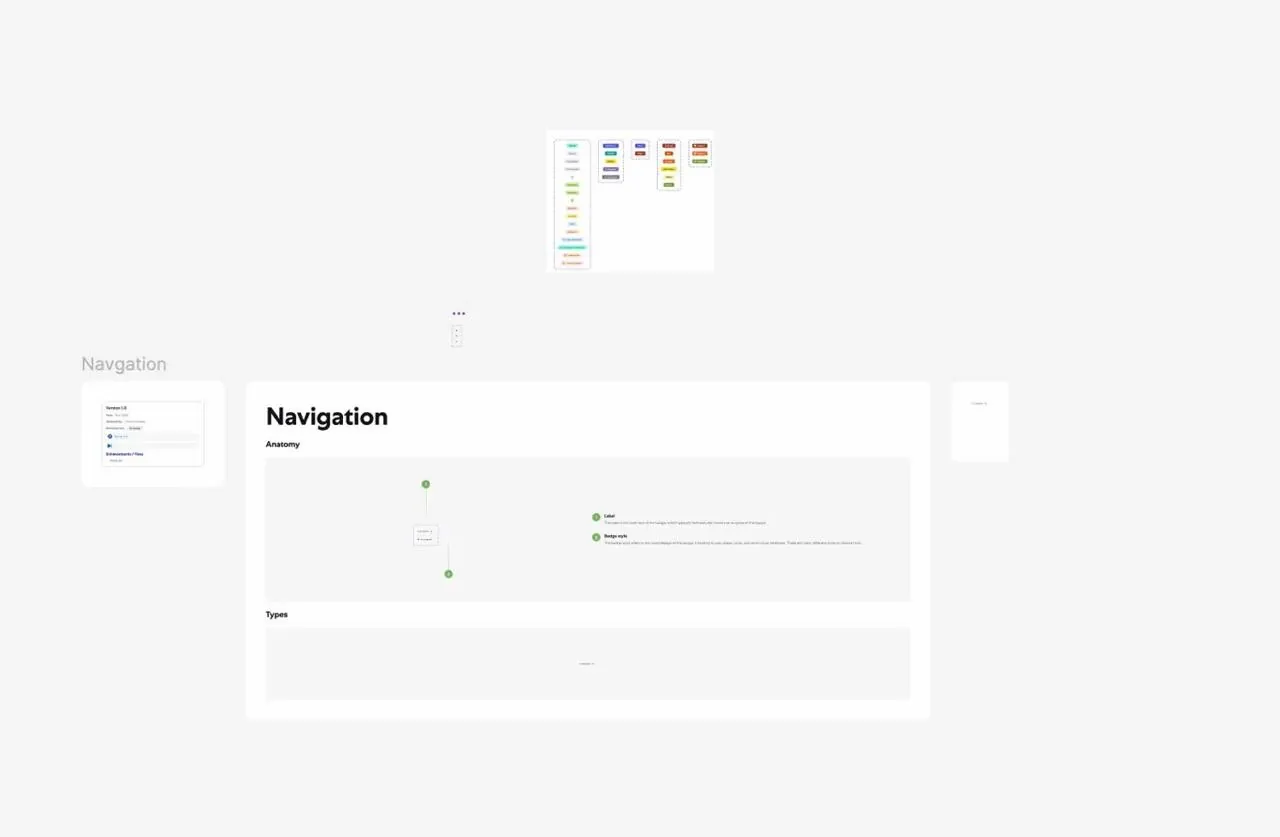
Audit: We inventoried every component across the products, mapped Figma against production, and flagged every duplicate and inconsistency.
Consolidation: We reduced each set of duplicates to one canonical component and documented its anatomy, variants, and version history. Each design frame also showed if the work was in ideation, in progress, or complete, and had the relevant ticket attached.
Code Connect and Storybook: We wrote the Code Connect and component files for more than 70 components. In Storybook, you could see the design and the coded component side by side.
Repository work: Engineering gave us access to the codebase, where we maintained the component and Code Connect files directly.
Coded prototypes: We introduced Figma MCP to turn designs into clickable prototypes before development. We also configured Lovable and Claude Design to use the approved components, so anything they generated stayed within the system.
Accessibility: We built semantic structure, labels, and implementation guidance into the components, so the accessibility requirements could still be reviewed during design and delivery.
03
Accessibility
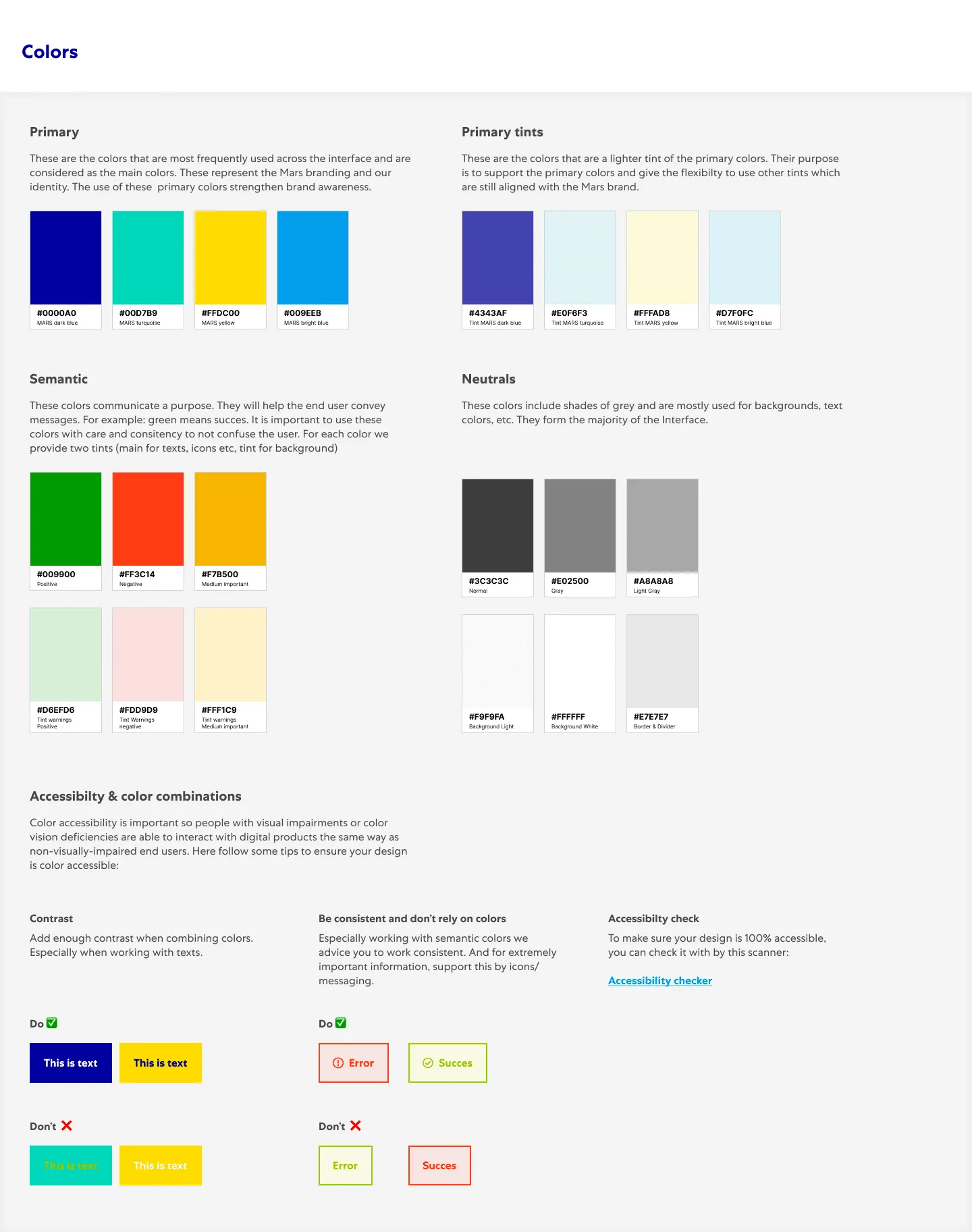
The components used semantic structure, ARIA roles, and clear labels. They came with representative screen-reader checks and written guidance for teams extending the system, and information didn’t rely on colour alone. This case study does not claim a universal conformance level.
04
Impact metrics
We consolidated 70+ components into a single code-connected source of truth.
Syndigo got its first design-to-engineering pipeline, and coded prototypes let us test designs before development.
Product and design teams adopted component-based prototyping through Lovable and Claude Design.
Because the components were connected to code, designers and frontend engineers repeated less work.
05
Context and problem statement
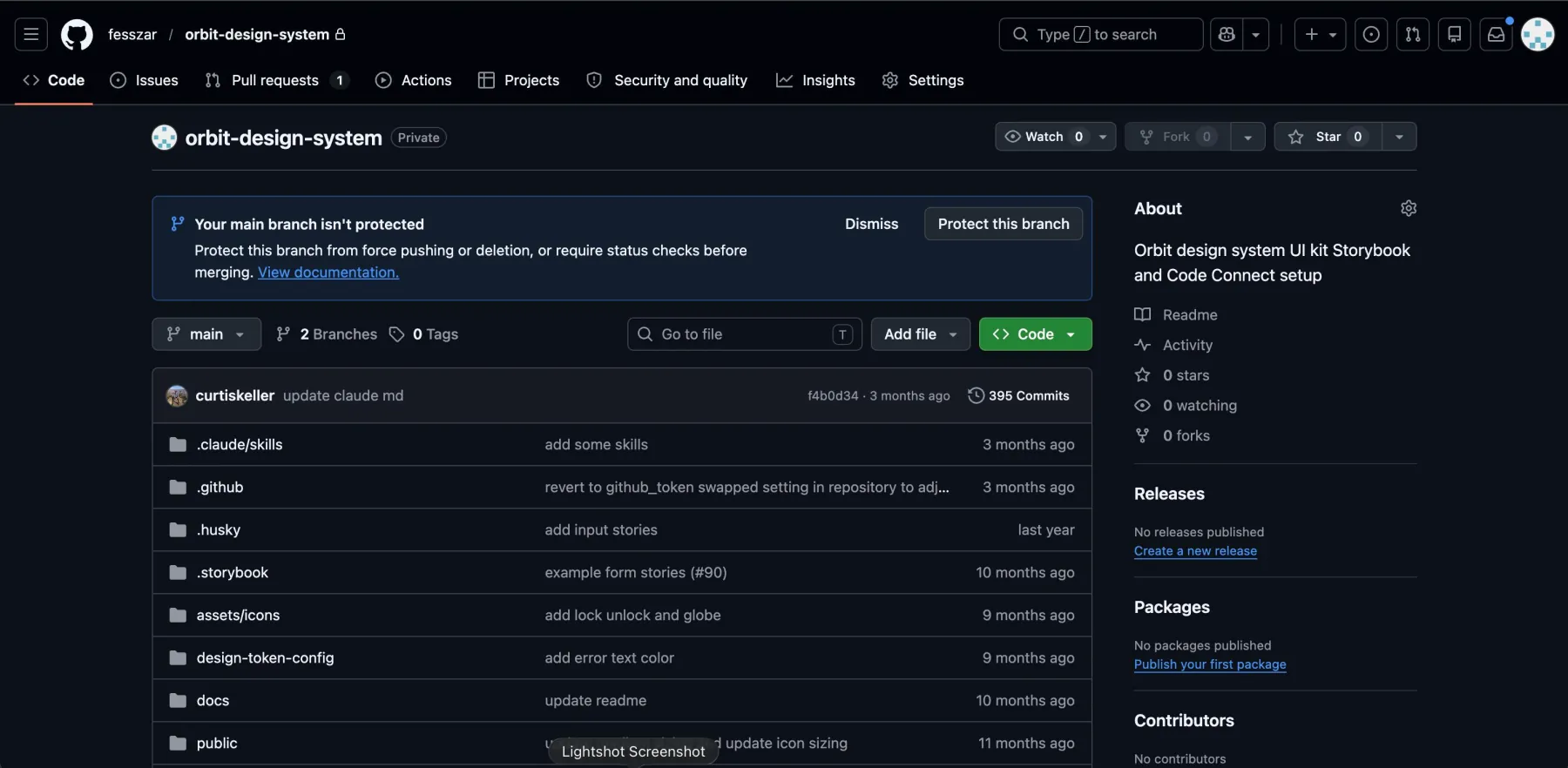
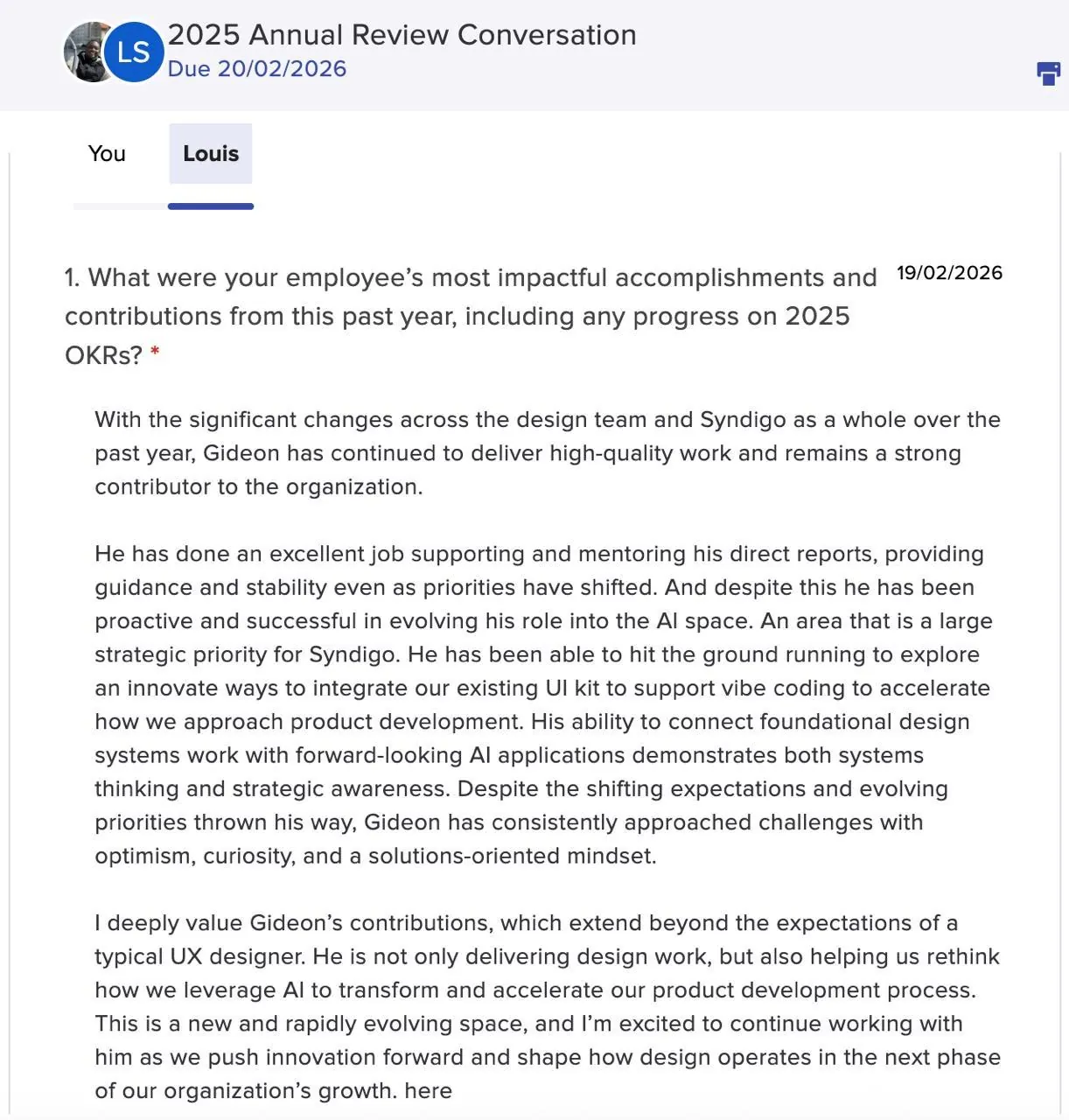
The design system didn’t have a clear structure, and there was very little governance. The same component often existed in several inconsistent versions across products, and nothing connected design to shipped code. There wasn’t a Storybook, the components weren’t connected to code, and UX had no presence in GitHub.
Designers, engineers, and product managers each read the system differently. Delivery slowed down because engineers kept rebuilding interface patterns from inconsistent specifications.
06
Stakeholder analysis
Frontend engineers: They needed components that matched the approved design and could go into production without another round of interpretation.
Product designers: They needed one governed component kit, so they could spend their time on product problems instead of recreating common interface elements.
Product managers: They needed to test ideas quickly with prototypes that still matched the real product.
07
System audit
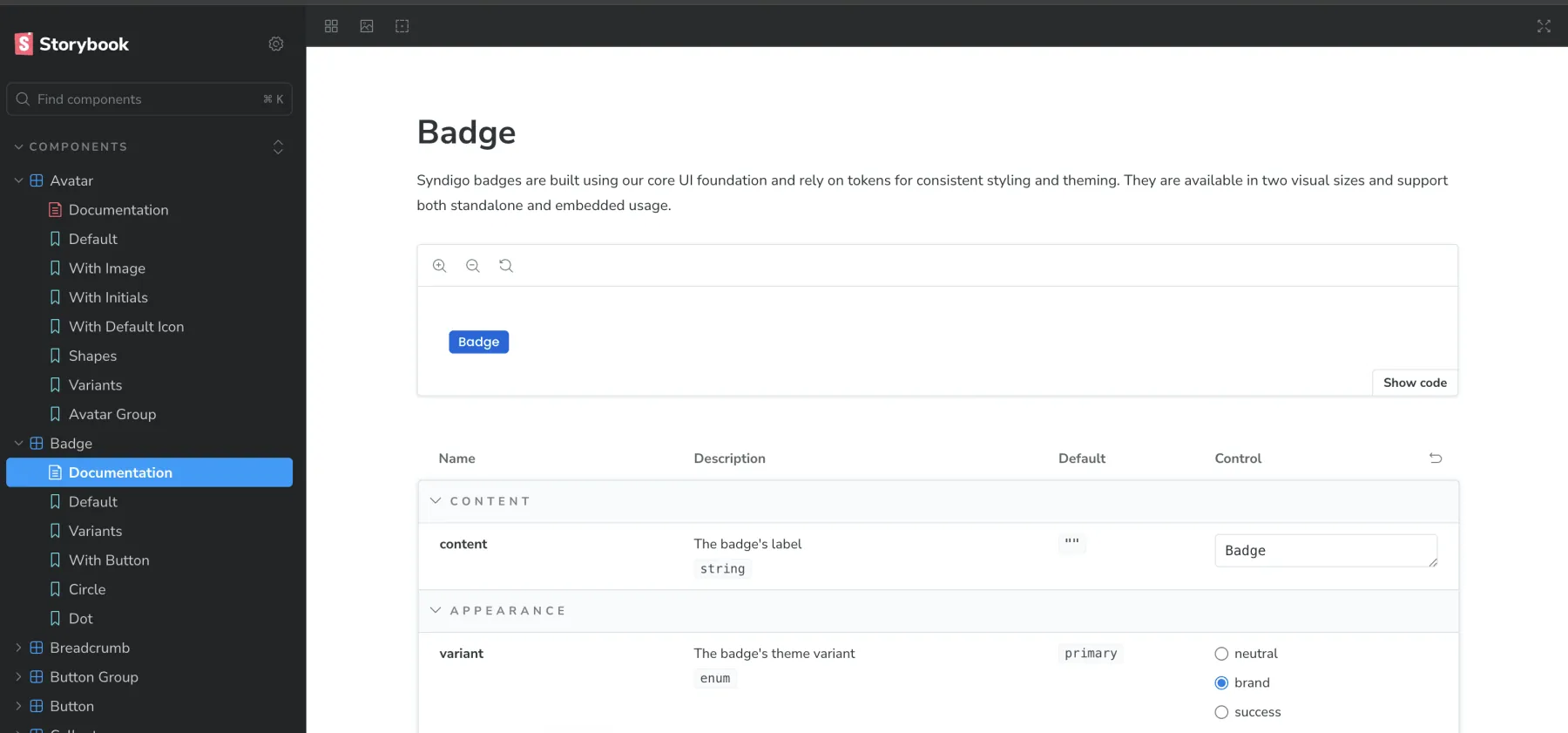
We started by looking at how teams were actually using the existing system, in Figma and in production.
Component inventory: We catalogued the components in use and identified duplicates.
Figma-to-production mapping: We compared the design libraries with the shipped interfaces to find where the two had drifted apart.
Team interviews: We spoke with designers and engineers about where the system helped and where they had to work around it.
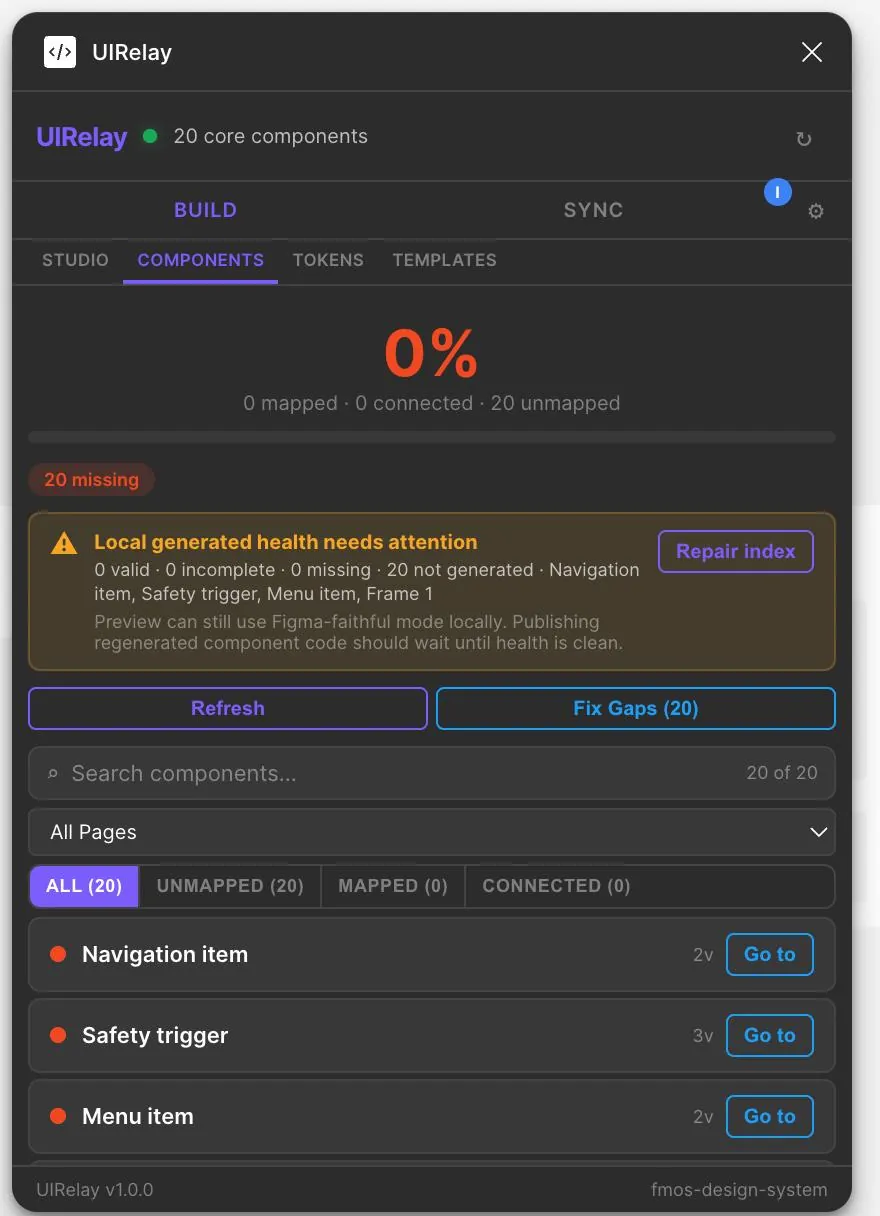
UI Relay Figma plugin: We built a Figma plugin that maps components to code, tracks coverage and code health, generates and syncs component code, manages tokens and templates, and flags gaps. With it, keeping the system maintained became part of the team’s normal workflow.
08
Challenges and solutions
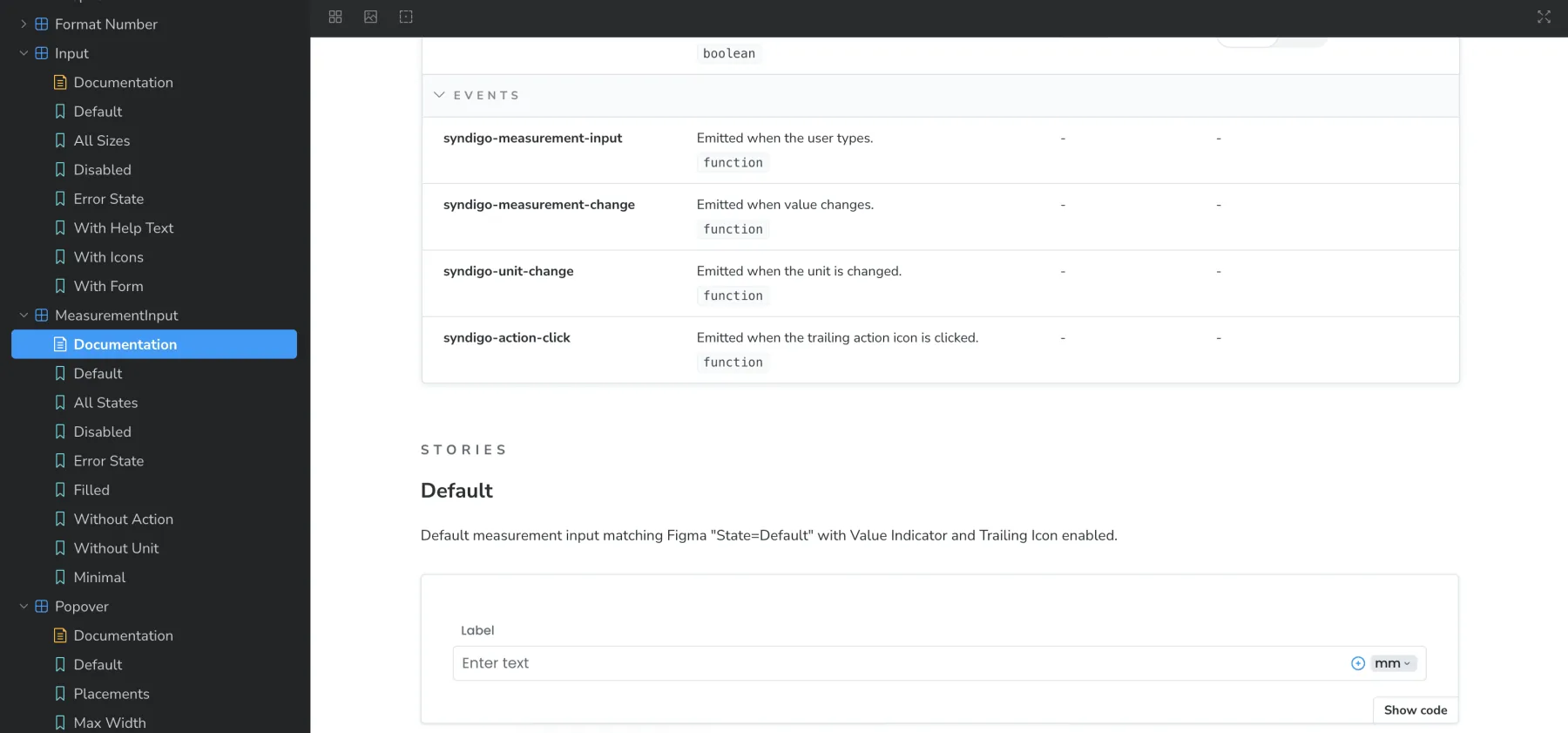
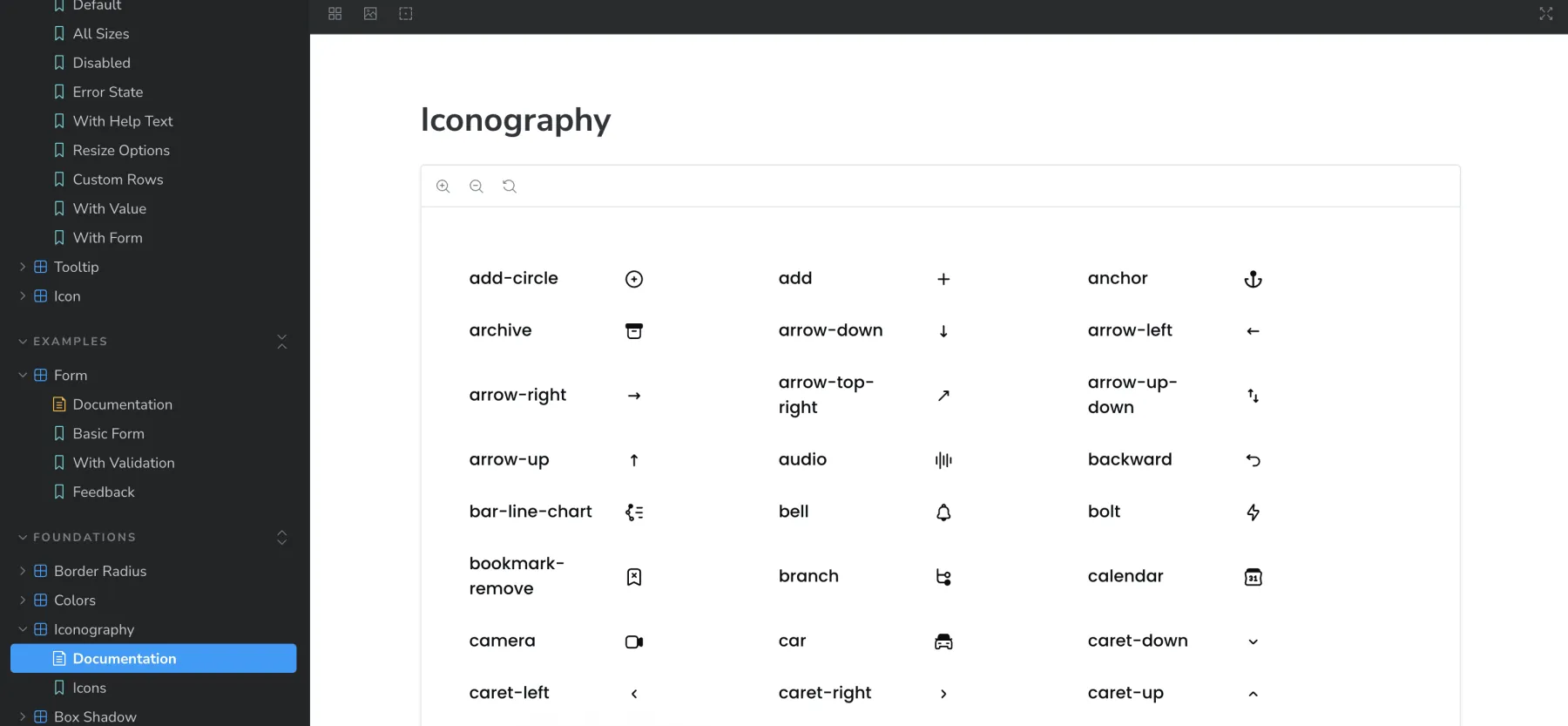
Design and code weren’t connected. We got access to the repository and maintained the Code Connect and component files ourselves, so approved design decisions could reach production without anyone having to interpret them again.
The library was also fragmented. We consolidated the duplicate patterns and built the UI Relay plugin to catch drift whenever new work came into the system.
To get teams to adopt it, we connected the system to coded prototypes, Lovable, and Claude Design. That way, teams could keep using the tools they preferred and still work with the approved components.